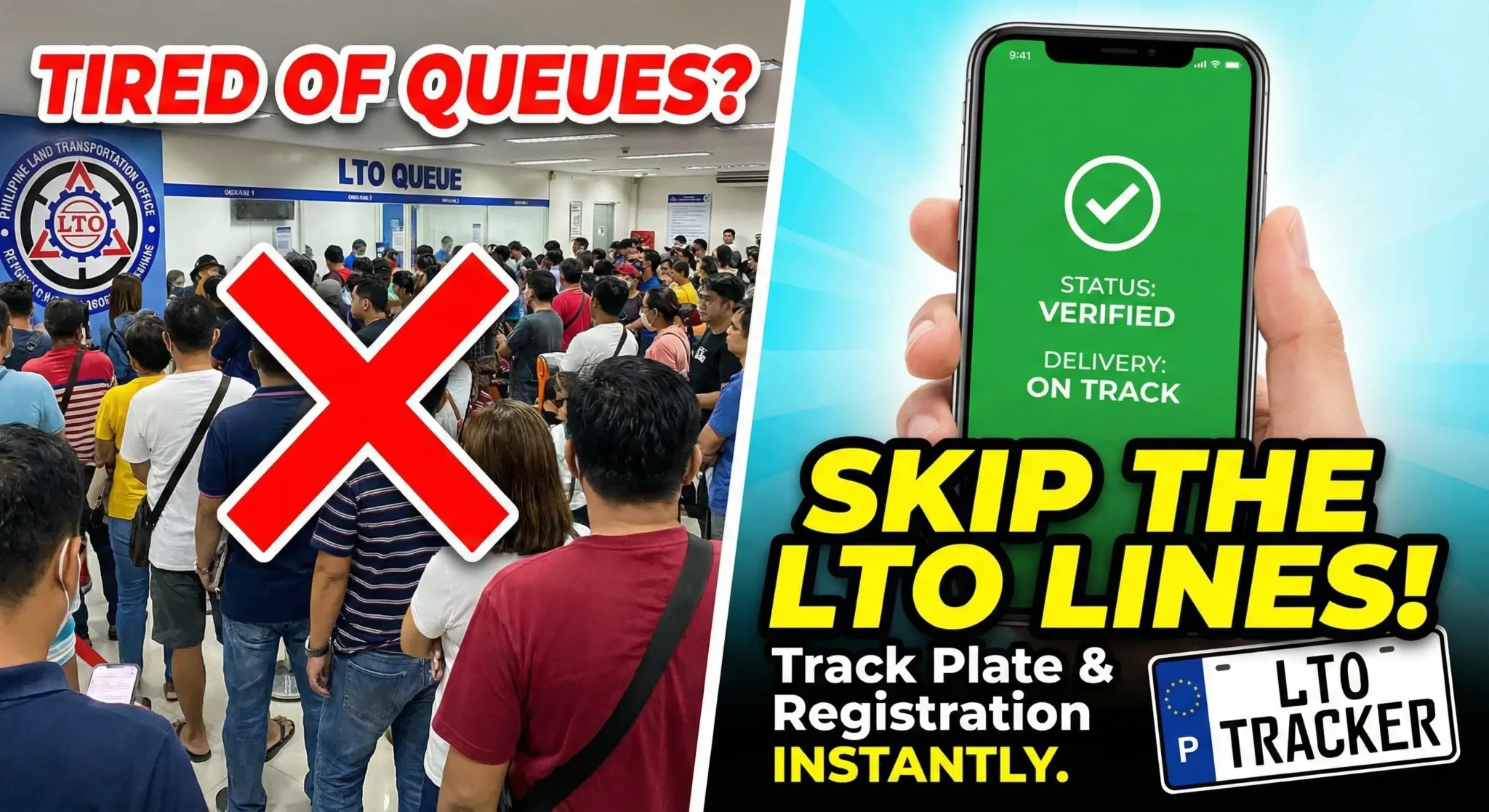
Waiting for a license plate or double-checking a second-hand vehicle can feel stressful when you do not know where to look. The ltotracker plate guide on this site is built to remove that guesswork: it walks you through the ways Filipino vehicle owners can track, check, and verify their LTO plate number online without leaving home.
Whether you just registered a brand-new car, you are still waiting on a motorcycle plate, or you want to confirm the details on a plate before buying a used vehicle, knowing your plate status saves you time, money, and unwanted trouble with traffic enforcers. In this guide, you will learn how plate tracking works, what information you need, how to check whether a new plate is available, how to verify the details you find, and what to do when a search comes back with no results.
What Is the ltotracker Plate Tracker?
The ltotracker plate tracker is an online reference hub on lto-tracker.com that helps vehicle owners follow the status of their license plates and related LTO records. Instead of queuing at a district office for a simple status inquiry, you can look up clear, step-by-step explanations here: where official tracking happens, which details you need on hand, and what each status result actually means.
One important note: this website is an independent guide, not the Land Transportation Office itself. Actual plate records live in LTO systems such as the Land Transportation Management System (LTMS) portal. The ltotracker plate resources translate those official processes into plain language, so you know exactly which website to open and which form to fill in.
How to Track Your LTO Plate Number Online
Tracking your plate online is straightforward once your documents are in order. Follow these steps:
Step 1: Gather your vehicle documents. Keep your Certificate of Registration (CR), Official Receipt (OR), and the MV file number or conduction sticker number nearby. The MV file number is the most reliable reference for vehicles whose physical plates have not been issued yet.
Step 2: Go to the official LTO channel. The primary online route is the LTMS portal at portal.lto.gov.ph, where registered users can view vehicle and transaction records. LTO also handles plate inquiries through its district offices and official hotlines.
Step 3: Enter your details carefully. Type the plate number, MV file number, or conduction sticker number exactly as printed on your documents. A single mistyped character is the most common reason for a “no record found” result.
Step 4: Review the result. The system will typically show whether the plate is in production, ready for release, or already issued, along with the office or dealer where it can be claimed.
Step 5: Save the reference. Keep a copy of the transaction or reference number so you have proof of your inquiry when you follow up.
Plate Availability Check: Is Your New Plate Ready?
A plate availability check answers a simple but important question: is your plate physically ready for pickup? This matters most for owners of newly registered cars and motorcycles, replacement plates for lost or damaged ones, and vehicles covered by the long-running plate backlog.
Plates are produced and released in batches to dealers and LTO district offices. If your check shows the plate as “in production” or “for release,” manufacturing is done or nearly done and the plate is moving through distribution. If nothing appears at all, the plate may not have entered the production queue yet, which is common for very recent registrations. Check back periodically, confirm the pickup location shown in the result, and bring your OR, CR, and a valid ID when you claim the plate, since releasing offices verify ownership before handing it over.
How to Verify Your Plate Number Details
Verification goes one step beyond tracking. It means confirming that the plate number, MV file number, engine number, and chassis number all match across your physical plate, your OR/CR, and the LTO database. This is especially important when buying a second-hand vehicle, where mismatched or tampered plates can signal serious problems such as carnapping or unregistered “colorum” units.
Compare every character on the plate against the CR, then confirm the same details through the LTMS portal or at an LTO office. If anything does not match, stop the transaction and report it. A few minutes of verification can save you from buying a vehicle with a questionable legal history.
You Can Also Read: Plate Number Tracker in the Philippines | How to Track Your LTO Plate Number and Vehicle Registration
What to Do If Your Plate Is Not Found
A “not found” result is frustrating, but it rarely means something is seriously wrong. The most common causes are simple: the plate has not been manufactured yet, the record has not been encoded into the system, or a detail was typed incorrectly.
Start by re-checking what you entered. Confirm the MV file number against your CR — not from memory — and try again. If the vehicle was purchased through a dealer, ask the dealer for the exact reference numbers submitted to LTO, since encoding at the dealership level sometimes differs from your copy of the documents.
If repeated checks still return nothing, contact the LTO district office where the vehicle was registered, or reach LTO through its official hotline and social media channels. Bring your OR and CR so staff can trace the record manually. In most cases the issue is a backlog or an encoding delay, and a follow-up visit resolves it.
Conclusion
Keeping track of your plate does not have to mean long queues and repeated trips. With the ltotracker plate guide, you know where to check, what details to prepare, and how to read the result — from availability checks to full verification. If your search comes back empty, treat it as a prompt to double-check your details and follow up through official channels rather than a dead end. Check your plate status today, keep your documents updated, and drive with the confidence that your registration is in order.
FAQs
How can I track my LTO plate number online?
Use official LTO channels such as the LTMS portal with your plate number, MV file number, or conduction sticker number, following the steps in this guide.
How do I check if my new plate is available for pickup?
Run a plate availability check through LTO’s inquiry channels. A “ready for release” status means you can claim it at the indicated office or dealer — bring your OR, CR, and a valid ID.
Why does my plate search return no results?
Common reasons include the plate not yet being manufactured, records not yet encoded, or a typo in the reference number. Re-check your documents, then follow up with your dealer or LTO district office.
Can I verify a plate before buying a used vehicle?
Yes. Match the plate, MV file number, engine number, and chassis number against the CR and LTO records before you pay.
1 thought on “ltotracker Plate: How to Track, Verify, and Check Your LTO Plate Number Online”